Unblur photos — free on your device
Local enhancement is free, with no account or photo upload. Choose 1× / 2× / 4× general enhancement or original-size portrait enhancement (1×). For Cloud output up to 4K and batches, credits start at $4.99.
Example · Drag to compare

 BeforeAfter
Checking local processing support…
Before / After
Drag the divider to compare
All four pairs use the current Cloud models. Results vary depending on the original image.

 BeforeAfter
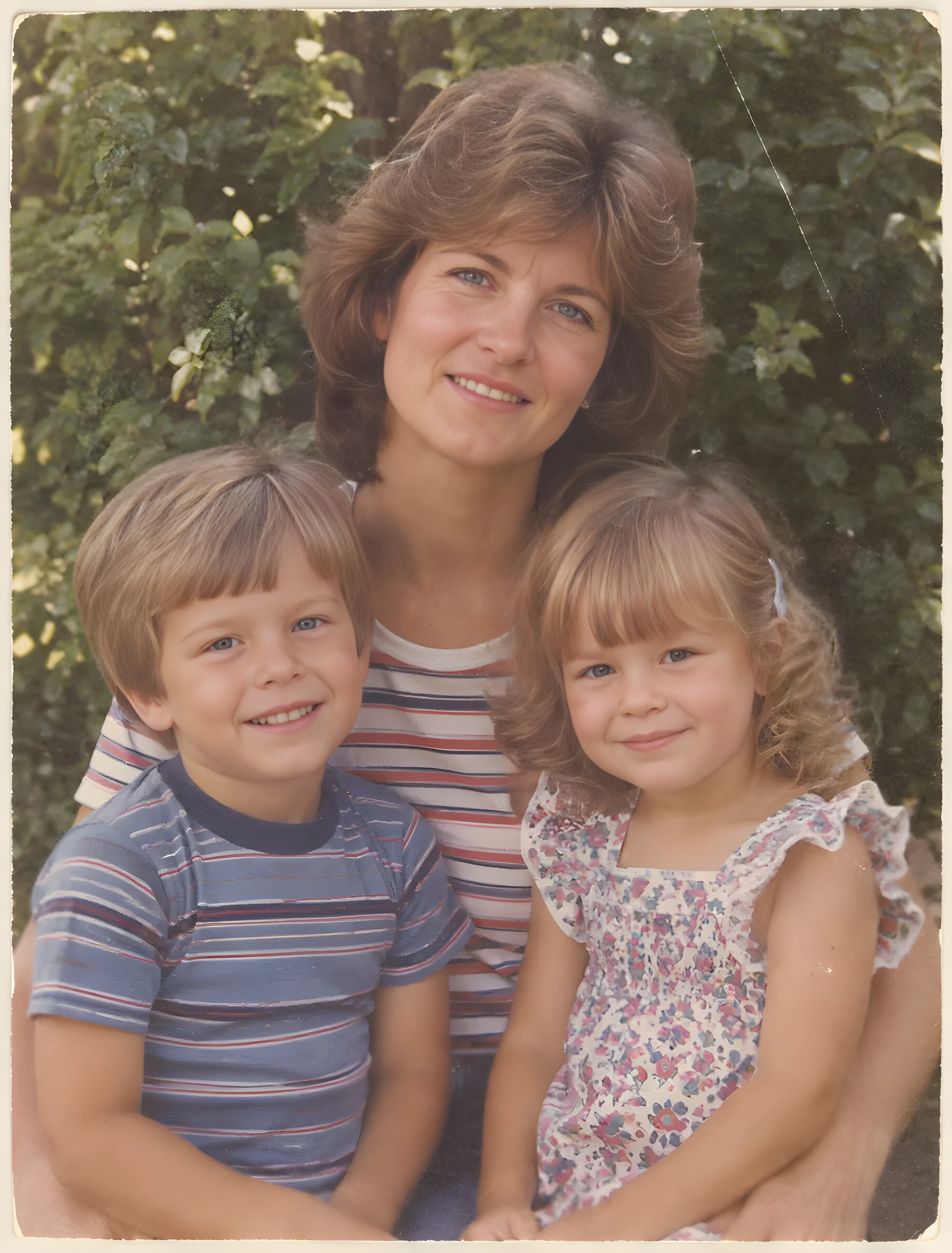
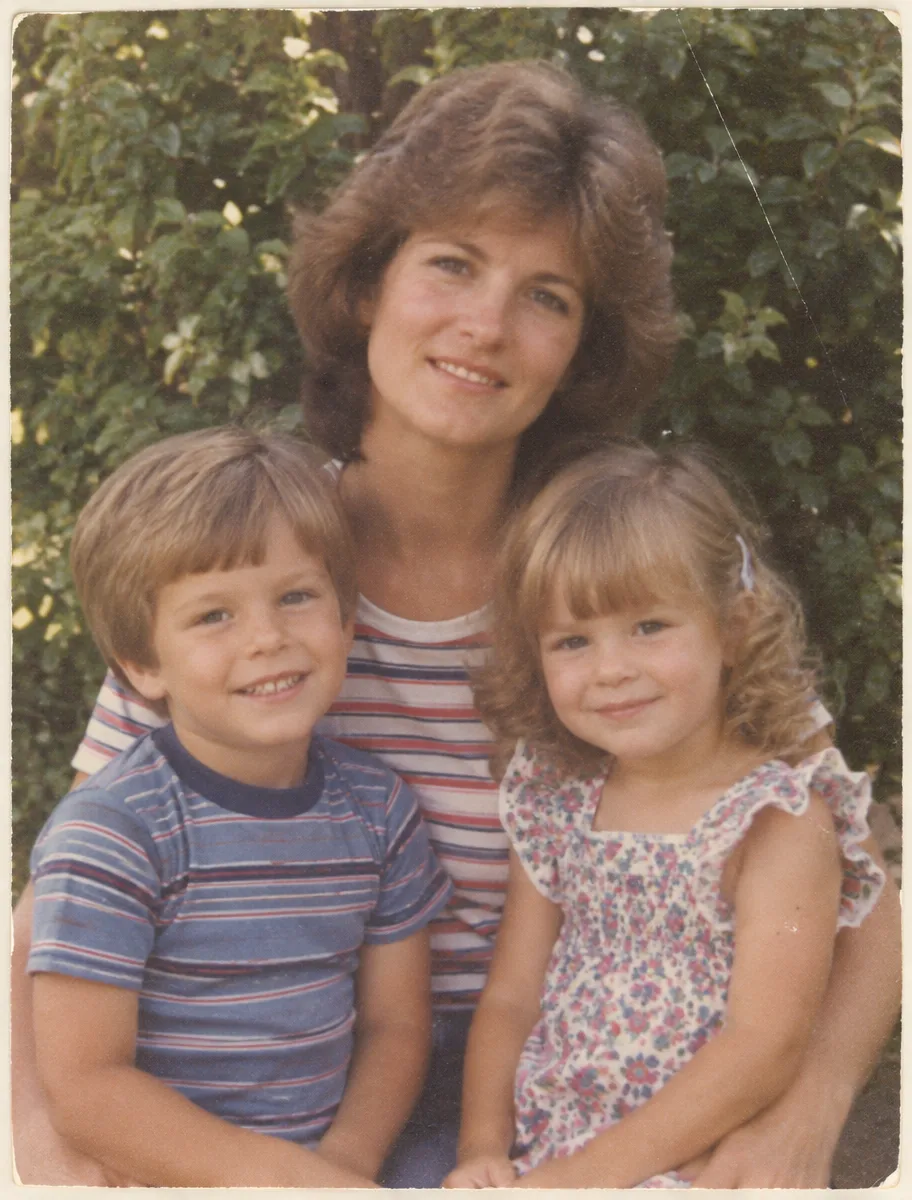
Bring out softer portrait details
Cloud Face · 2KImprove facial details in small or slightly soft portraits.
1254 × 1254 → 2048 × 2048
 BeforeAfter
Make small old photos easier to see
Cloud Face · 4KImprove soft details in scanned or compressed family photos.
912 × 1200 → 3113 × 4096

 BeforeAfter
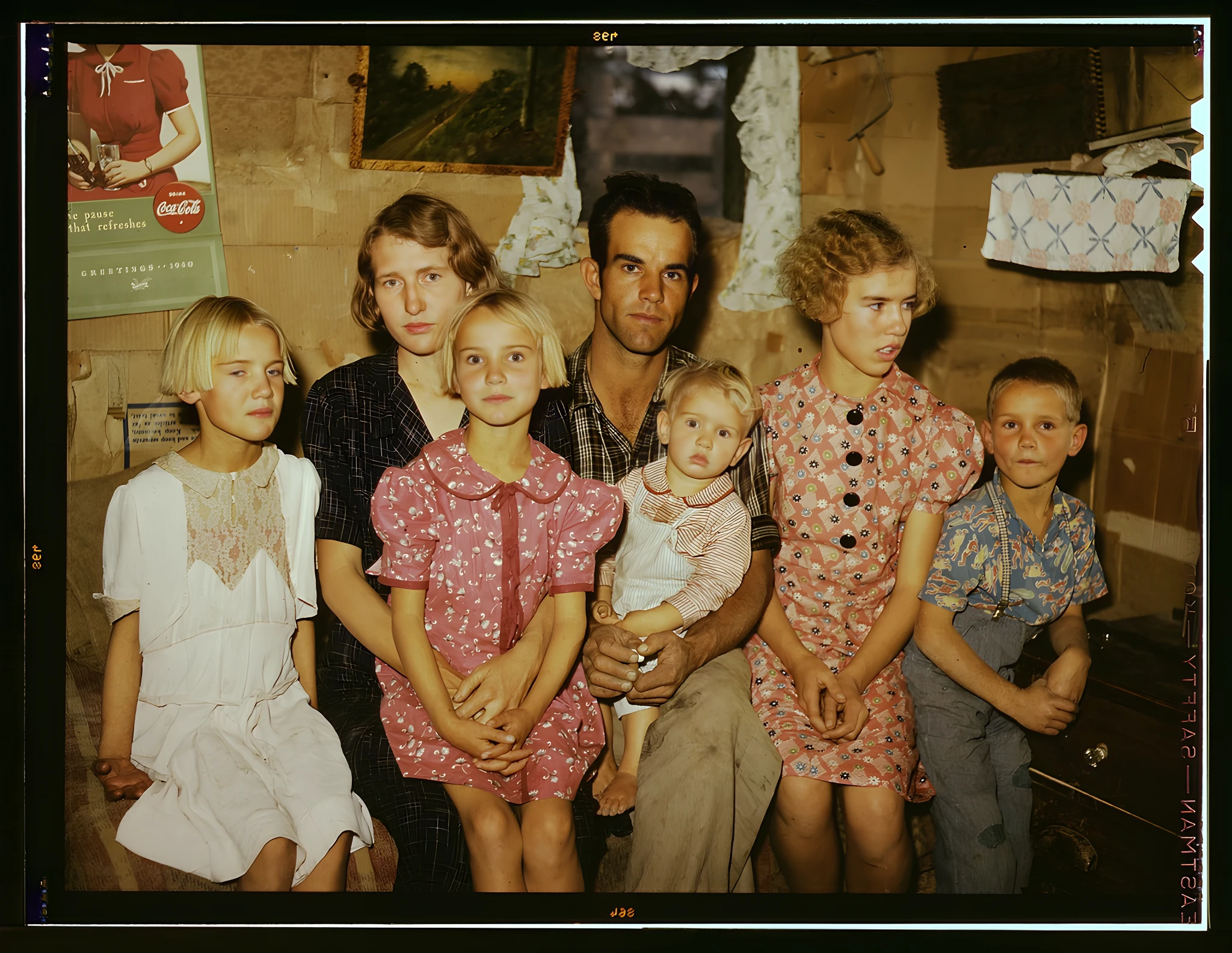
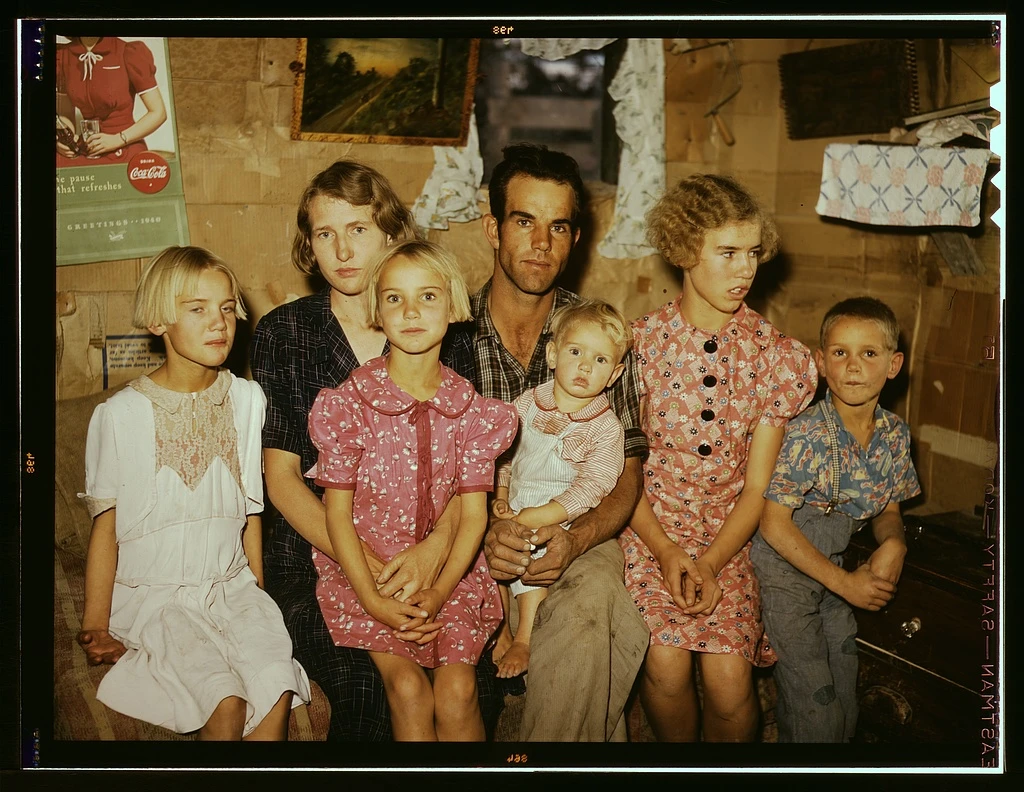
Improve compressed photos
Cloud Clear · 2KMake small, compressed images clearer and easier to share.
640 × 480 → 2048 × 1536
 BeforeAfter
Bring out faces in group photos
Cloud Face · 2KImprove faces in everyday family and group photos.
1024 × 792 → 2048 × 1584
Choose your own photo above to compare an actual local result.
Local processing uses WebGPU when available, with a CPU fallback. Speed and supported photo sizes depend on your device.
Free · Local
DefaultPhotos stay on your device. No account, no watermark and no daily processing limit. Models download on demand; large photos may need a smaller working size.
Cloud
Uses creditsChoose clear enhancement, face enhancement or motion deblur. Starting a Cloud job uploads the original. Each successfully delivered 1K / 2K / 4K photo costs 1 / 2 / 3 credits.
How local processing works
- 01
Choose your photo
Use local processing without an account or photo upload.
- 02
Start enhancing
Fast 2× starts automatically when no smaller working size is needed. If resizing is needed, review the dimensions and click to start. Start HD and Advanced manually. Models and runtime download on demand.
- 03
Compare and download
Local 2× / 4× multiplies the working image dimensions, which may be smaller than the original. Portrait 1× keeps the original dimensions.
Use local AI to enhance a blurry photo, an old family picture or a low-resolution image. General enhancement offers 1× / 2× / 4× based on the displayed working size; portrait enhancement keeps the original size at 1×. AI may invent details and cannot guarantee recovery of the original. Cloud is an optional paid route with a size and credit quote before you start.
Questions about local processing
Does this use AI?
Yes. AI estimates detail and can sharpen the appearance of a photo. It can also invent details, so it cannot guarantee recovery of the original.
Can I improve blur without AI?
For slight blur, ordinary sharpening tools can help. AI reconstruction produces different results depending on the image and model; compare the result before keeping it.
Do my photos get uploaded?
Local processing does not upload your photo. Cloud uploads your original only after you select Cloud and start a job.
Why does the first enhancement take a moment?
The model and runtime download when needed. Cached files can be reused, but your browser may remove them. Processing speed depends on your device and photo size.
Is local enhancement unlimited?
There is no daily processing quota, watermark or Cloud credit charge for local processing. Device and memory limits still apply. Large photos may require a smaller working size, shown before processing.
Pricing
Local is free. Every paid plan includes the same Cloud features.
Free
Free
$0 forever
Local general enhancement at 1× / 2× / 4× and portrait at original size (1×). Free without an account, photo upload or watermark. Model downloads and device limits apply.
Pay once
Uses creditsCredit packs
from $4.99
40 / 150 / 480 / 1680 credits. One-time payment; credits expire 12 calendar months after payment.
Monthly subscription
Monthly
From $9.90 / month
Choose 120, 480 or 1,680 credits per billing period. Unused credits expire at period end; no rollover. Cancel renewal from Billing.